In the ever-evolving landscape of web design, layering has emerged as a powerful technique that transcends mere aesthetics.
By incorporating multiple layers of images and colours, designers can create depth, texture, and a more immersive user experience.
This blog post delves into the art and science of layering in web design, exploring its principles, techniques, and practical applications.
We will also discuss how layering can enhance visual storytelling and engage users on a deeper level.
>>>Related post: brutalism: The Stark Aesthetic of Functionality in Web Design<<<
Introduction: The Art of Layering
Imagine walking into an art gallery where each painting is flat, devoid of any dimension or intrigue.
Boring, right?
Now picture those same paintings with layers upon layers of colours and textures, each stroke telling a story, inviting you to explore further.
This is precisely what layering does in web design; it transforms flat interfaces into dynamic experiences that captivate users.
Layering is not just about slapping one image over another; it’s an intricate dance between elements that creates harmony while allowing each layer to shine in its own right.
In this blog post, we will dissect the concept of layering in web design, examining how it can be used to evoke emotions, guide user interactions, plus ultimately lead to more engaging websites.
The Fundamentals of Layering
Before diving into the nitty-gritty details of how to effectively layer images and colours in web design, let’s first establish what we mean by “layering.”
What is Layering?
Layering refers to the practice of stacking multiple visual elements, such as images, text, colours, and shapes, on top of one another within a digital space.
Each layer can have varying degrees of opacity or transparency, allowing for complex interactions between them.
Think of it like a sandwich: each ingredient adds flavour, but must be balanced to create a delicious bite.
Why Layering Matters
Layering serves several purposes in web design:
-
- Depth: It adds dimensionality to otherwise flat designs.
-
- Texture: Different materials (like wood grain or fabric) can be simulated through layered visuals.
-
- Focus: By manipulating layers’ visibility or prominence, designers can direct users’ attention where it’s needed most.
-
- Narrative: Layered visuals can tell stories by guiding viewers through different scenes or concepts.
Techniques for Effective Layering
Now that we understand what layering is and why it matters, let’s explore some techniques for implementing it effectively in your designs.
1. Use Transparency Wisely
Transparency allows underlying layers to show through without completely obscuring them.
This technique can create stunning effects when applied thoughtfully.
Top Level Traffic Example:
Consider a hero image on your website with an overlay text box that has 50% opacity.
The background image remains visible, but muted enough so that the text stands out clearly against it.
2. Play with Scale
Varying the size of layered elements can create an illusion of depth. Larger objects appear closer, while smaller ones seem farther away.
Top Level Traffic Example:
In a travel website’s homepage banner featuring mountains in the background and a foreground image of a person hiking, scaling the hiker larger than the mountains creates an engaging focal point.
3. Colour Gradients
Using gradients between layers can add richness without overwhelming users with too many contrasting colours.
Top Level Traffic Example:
A soft gradient from blue at the top fading into white at the bottom behind text creates an airy feel while maintaining readability.
4. Textures & Patterns
Incorporating textured backgrounds or patterned overlays adds visual interest without cluttering your design.
Top Level Traffic Example:
A subtle linen texture behind content sections gives warmth compared to stark white backgrounds while keeping readability intact.
5. Shadows & Highlights
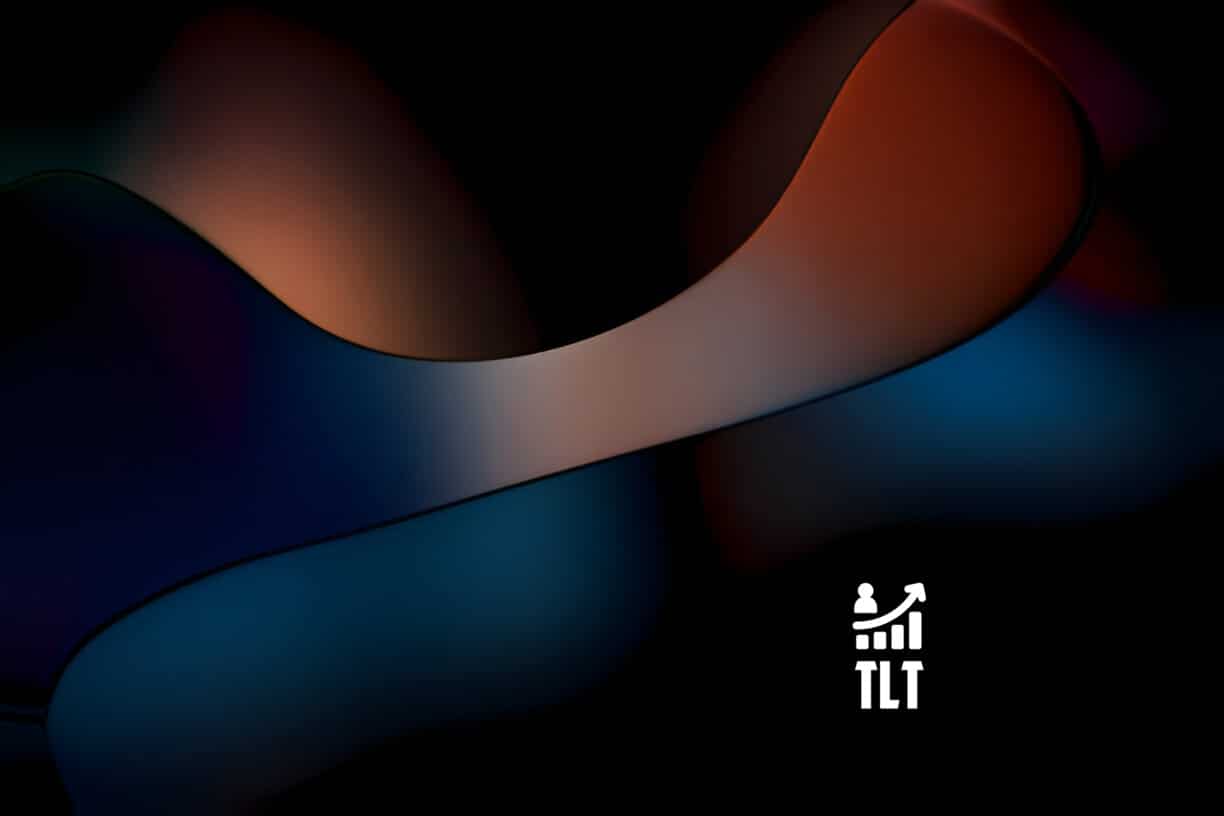
Adding shadows beneath elements creates depth by simulating light sources; highlights draw attention upward toward important features. (See image below we created for this example)
Top Level Traffic Example:
Buttons with drop shadows appear clickable because they seem raised off the page rather than flatly integrated into it.
Practical Applications: Where Layering Shines
Let’s take our newfound knowledge about layering techniques and apply them across various types of websites!
E-commerce Websites
Layering plays a crucial role in e-commerce sites where product presentation is key!
-
- Product Images: Use layered images showing products from different angles or contexts (e.g., clothing on models vs hanging).
-
- Call-to-Action Buttons: Overlay buttons on product images using contrasting colours so they pop out visually!
Portfolio Sites
For creative professionals showcasing their work:
-
- Project Thumbnails: Stack project thumbnails with hover effects, revealing additional information about each piece.
-
- Backgrounds: Use layered backgrounds featuring textures relevant to their craft (e.g., paint splatters for artists).
Blogs & Content Sites
Layered designs enhance readability while maintaining engagement:
-
- Featured Images: Overlay titles onto featured images using transparent boxes for better contrast.
-
- Section Dividers: Employ layered shapes (like waves) between sections for smooth transitions throughout articles!
Visual Storytelling Through Layering
One cannot underestimate how effective layering is when telling stories visually!
Imagine scrolling through an interactive timeline where each event unfolds as you move downwards, layered images depicting significant moments alongside descriptive text create compelling narratives!
This approach encourages users not only to read, but also engage emotionally with content presented before them, a win-win situation!
Conclusion: Embrace Layering!
As we’ve explored throughout this post on layering within web designs, from fundamental principles through practical applications, it becomes clear that this technique offers immense potential for creating captivating user experiences!
Whether you’re designing an e-commerce site aiming for conversions or crafting portfolios showcasing creativity, layer wisely! Remember balance; too much layering leads to chaos instead of elegance!
Eric Luis — CEO — Top Level Traffic
So go forth fellow designers, experiment boldly with your layers, and watch as your creations come alive before your very eyes!
>>>Related post: brutalism: The Stark Aesthetic of Functionality in Web Design<<<
If you found this post, “Layering: Incorporating Depth Plus Texture in Web Designs” helpful or interesting, please feel free to give it a share or like it, so others may find value in this post.
We will be happy to advise you along with answer any questions you may have.
Be it with Manual Social Media Management from our team of experts, at a lower cost plus at a higher level of quality than any automation tools.
Or maybe you just require some professional website design or branding? We have you covered.
Book your FREE no-obligation quote today!
Our normal service area is Bridgend, however, we also cover Swansea, Port Talbot, Bryncethin, Sarn, Ogmore Vale, Maesteg, Llantwit Major, Cowbridge, Barry, Penarth, Dinas Powys plus Cardiff.
We can also offer worldwide remote support, with competitive rates plus a friendly, professional service. We are always here to help 24/7.
Or simply start a live chat in the bottom right of this page to say hello 🙂
To our continued health plus success,
Eric Luis – CEO Top Level Traffic – Web Design Bridgend.