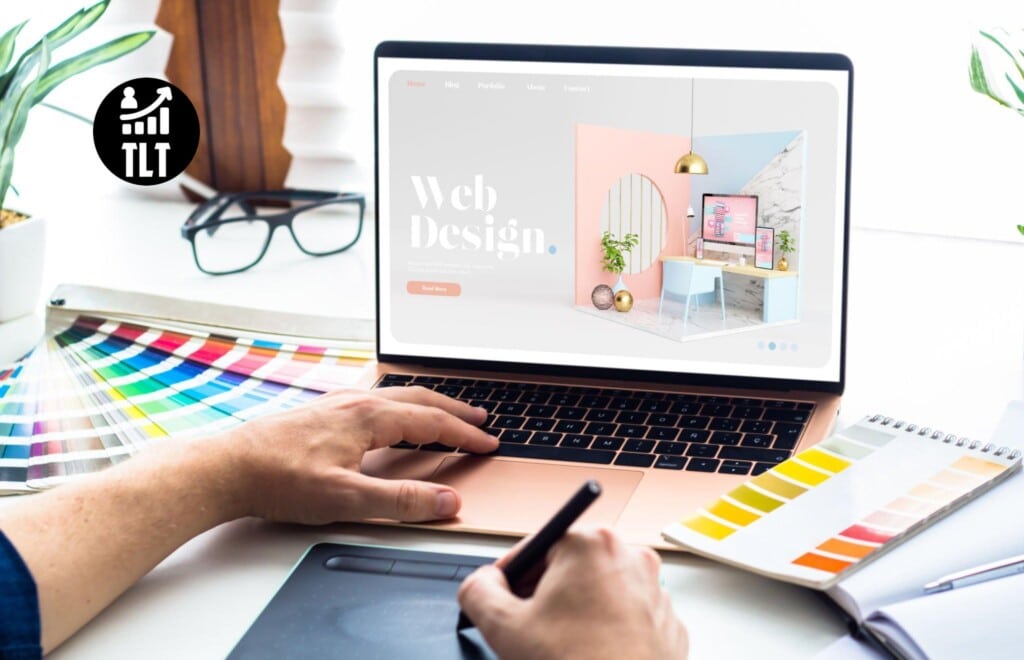
In our digital era, a well-designed website is crucial for small businesses to thrive. This post will explore web design best practices, focusing on creating a user-friendly, visually appealing, along with an SEO-friendly online presence that drives customer engagement plus conversion.
We’ll discuss the importance of responsive design, clear navigation, engaging visuals, and effective SEO strategies, providing actionable tips and examples to help small businesses succeed online.
>>>Related post: Five small business tips for buying website hosting.<<<
It’s not secret a well-designed website is essential for small businesses to establish a strong online presence, attract customers, and drive revenue.
With an increasing number of consumers relying on the internet for information, product research, and online purchases, it’s more important than ever for small businesses to invest in a website that sets them apart from the competition.
In this blog post, we’ll examine the best practices in web design for small businesses, focusing on aspects that improve user experience, boost search engine rankings, and encourage customer engagement plus conversion.
By following these guidelines, you’ll be well on your way to creating a website that stands out and helps your business grow.
Responsive Design
Why is responsive design essential?
In today’s multi-device world, a responsive website is no longer a luxury, it’s a necessity.
Mobile devices account for more than half of all web traffic, making it crucial for your website to look and function seamlessly across a range of devices, including smartphones, tablets, and desktop computers.
Tips for implementing responsive design
- Flexible grids: Use a fluid grid system to ensure that your website’s layout adapts to the screen size of the device it’s being viewed on.
- Responsive images: Images should automatically resize and adjust to fit different screens. Use CSS techniques such as max-width to keep images from stretching beyond their container.
- Mobile-first approach: Design your website with mobile users in mind, ensuring that the most essential information and functionality is easily accessible on smaller screens.
Example: The website of a local bakery should be easy to navigate on a smartphone, with a clear menu, high-quality images of products, and a simple order form for customers to place orders on the go.
Clear Navigation
Why is clear navigation important?
A user-friendly website begins with clear, intuitive navigation.
When visitors can easily find what they’re looking for, they’re more likely to stay on your site, engage with your content, and ultimately become customers.
Tips for improving navigation
- Keep it simple: Limit the number of items in your main navigation menu, focusing on the most essential pages. Avoid using jargon or industry-specific terms that may confuse visitors.
- Consistent layout: Keep navigation elements in the same location throughout your site, so users can quickly find what they need.
- Use clear labels: Choose descriptive labels for your menu items, making it easy for users to understand what each page is about.
Example: A small accounting firm’s website should have a straightforward menu with items such as “Services,” “About Us,” “Blog,” and “Contact,” allowing potential clients to quickly find the information they require.
Visual Hierarchy
Why is visual hierarchy essential?
Visual hierarchy refers to the arrangement and presentation of elements on a webpage in a way that reflects their importance.
By establishing a clear visual hierarchy, you can guide users’ attention to the most critical information and calls-to-action, increasing engagement and conversion rates.
Tips for creating visual hierarchy
- Keep it simple: Limit the number of items in your main navigation menu, focusing on the most essential pages. Avoid using jargon or industry-specific terms that may confuse visitors.
- Consistent layout: Keep navigation elements in the same location throughout your site, so users can quickly find what they require.
- Use clear labels: Choose descriptive labels for your menu items, making it easy for users to understand what each page is about.
Example: A small e-commerce website should use a bold, contrasting colour for the “Add to Cart” button and ensure that essential product information is larger and more prominent than secondary details.

Engaging Visuals
Why are engaging visuals significant?
High-quality visuals can make your website more appealing and help convey your brand message.
Eye-catching images, graphics, and videos can keep users engaged, encourage them to explore your content, and ultimately lead to higher conversion rates.
Tips for using visuals effectively
- Quality over quantity: Choose high-resolution images and graphics that reflect your brand’s identity and values.2.
- Optimize images: Compress and optimize images to reduce page load times without sacrificing quality. Faster-loading websites offer a better user experience and are more likely to rank higher in search engine results.
- Use original visuals: Whenever possible, use original images, illustrations, or videos that showcase your products, services, or team members. This not only adds authenticity but also helps avoid potential copyright issues.
Example: A small landscaping company should include high-quality images of their completed projects to showcase their expertise and entice potential clients.
An engaging video that demonstrates their team’s process and commitment to customer satisfaction can also be a powerful selling point.
SEO-Friendly Design
Why is SEO-friendly design important?
Search engine optimization (SEO) is the process of improving your website’s visibility on search engine result pages (SERPs), making it easier for potential customers to find your business online.
An SEO-friendly web design can significantly boost your website’s organic traffic and increase the likelihood of converting visitors into customers.
Tips for designing an SEO-friendly website.
- Optimize page titles and meta descriptions: Use descriptive, keyword-rich titles and meta descriptions for each page to help search engines understand the content and improve your rankings.
- Use header tags: Organize your content with appropriate header tags (H1, H₂, H₃, etc.), making it easier for both users and search engines to navigate your site.
- Optimize images and media: Include descriptive, keyword-rich file names and Alt tags for images, videos, and other media, helping search engines understand their content and purpose.
Example: The website of a small pet grooming service should use optimized page titles and meta descriptions, such as “Dog Grooming Services in [City] — [Business Name]” and “Professional cat grooming services in [City] Book your appointment today!”
Call-to-Action
Why are calls-to-action important?
A call-to-action (CTA) is a prompt that encourages website visitors to take a specific action, such as making a purchase, signing up for a newsletter, or requesting a quote.
An effective CTA can significantly improve your conversion rate, turning casual visitors into loyal customers.
Tips for creating compelling calls-to-action
- Use clear, concise language: Keep your CTA text brief and to the point, using action-oriented verbs that convey a sense of urgency.
- Make it visually prominent: Design your CTA buttons or links to stand out from the rest of your content, using contrasting colours, larger fonts, or other visual elements.
- Place CTAs strategically: Position CTAs where they are most likely to be seen and clicked, such as above the fold on your homepage or at the end of a blog post.
Example: A small fitness studio’s website should feature a prominent CTA on the homepage, encouraging visitors to “Sign Up for a Free Trial Class” or “Book Your First Session Today!”
Conclusion
A well-designed website is essential for small businesses looking to succeed in the digital age.
By focusing on responsive design, clear navigation, visual hierarchy, engaging visuals, SEO-friendly elements, and compelling calls-to-action, you can create a user-friendly and visually appealing online presence that drives customer engagement and conversion.
Remember that web design is an ongoing process, and it’s essential to continually update and improve your website to meet the evolving needs of your users and stay ahead of the competition.
By following the best practices outlined in this guide, you’ll be well on your way to creating a website that not only looks great but helps your small business thrive.
>>>Related post: Five small business tips for buying website hosting.<<<
If you found this post, “Web Design Best Practices for Small Businesses” helpful or interesting, please feel free to give it a share or like it, so others may find value in this post.
We will be happy to advise you along with answer any questions you may have.
Be it with Manual Social Media Management from our team of experts, at a lower cost plus at a higher level of quality than any automation tools.
Or maybe you just require some professional website design or branding? We have you covered.
Book your FREE no-obligation quote today!
Our normal service area is Bridgend, however, we also cover Swansea, Port Talbot, Bryncethin, Sarn, Ogmore Vale, Maesteg, Llantwit Major, Cowbridge, Barry, Penarth, Dinas Powys plus Cardiff.
We can also offer worldwide remote support, with competitive rates plus a friendly, professional service. We are always here to help 24/7.
Or simply start a live chat in the bottom right of this page to say hello 🙂
To our continued health plus success,
Eric Luis – CEO Top Level Traffic – Web Design Bridgend.